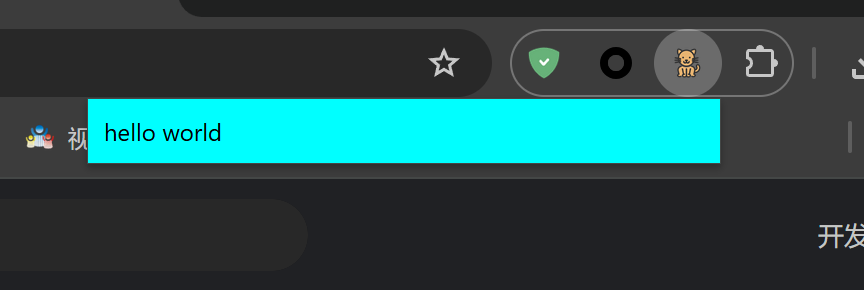
先编写一个非常简单的示例,点击插件在弹出的页面显示hello world
创建manifest.json
{
  "manifest_version": 3,
  "name": "我的第一个插件",
  "version": "0.0.1",
  "description": "我的第一个插件的描述",
  "author": "fengfeng",
  "action": {
    "default_icon": {
      "16": "icon.png",
      "32": "icon.png",
      "48": "icon.png",
      "64": "icon.png",
      "128": "icon.png"
    },
    "default_popup": "popup.html"
  },
  "icons": {
    "16": "icon.png",
    "32": "icon.png",
    "48": "icon.png",
    "64": "icon.png",
    "128": "icon.png"
  }
}
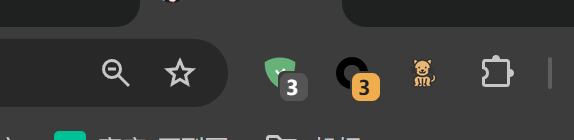
随便找一个图片,做为插件图标,其中action里面的icon是工具栏显示的图标
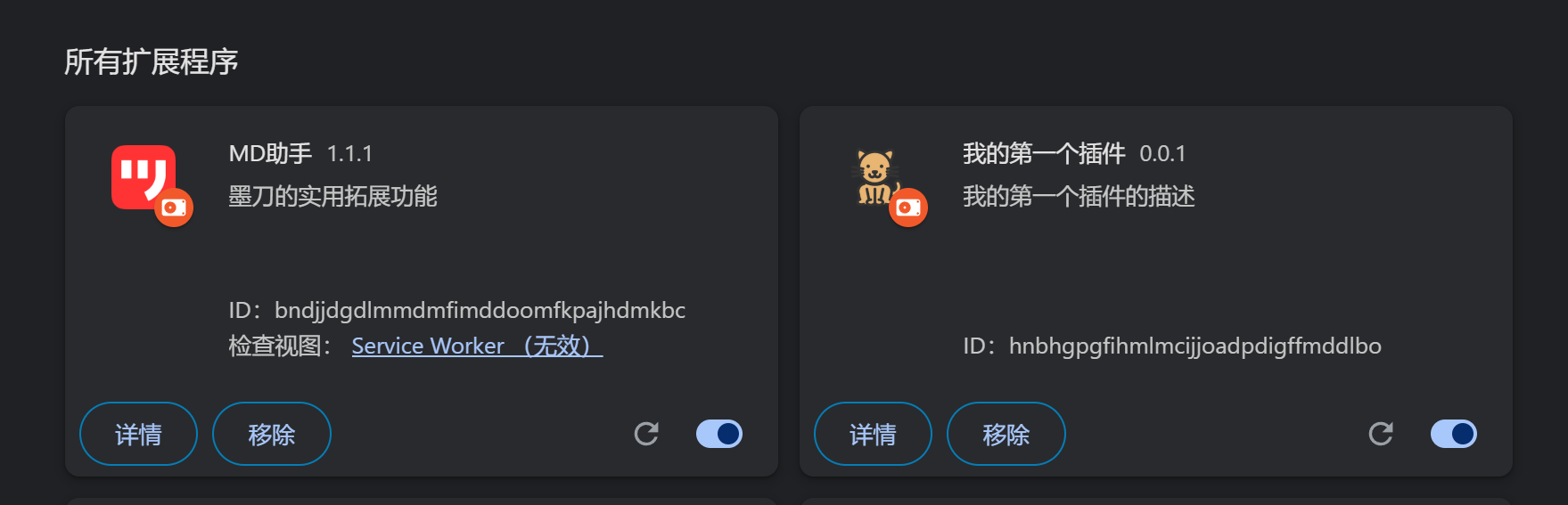
icons里面的按钮是用于 Chrome 扩展管理页面、扩展商店列表、扩展详情页等地方显示的扩展图标
然后创建一个popup.html,用于点击插件显示的弹出层
<!DOCTYPE html>
<html lang="en">
<head>
    <meta charset="UTF-8">
    <title>Title</title>
    <style>
        body{
            background-color: aqua;
        }
    </style>
</head>
<body style="width: 300px">
hello world
</body>
</html>
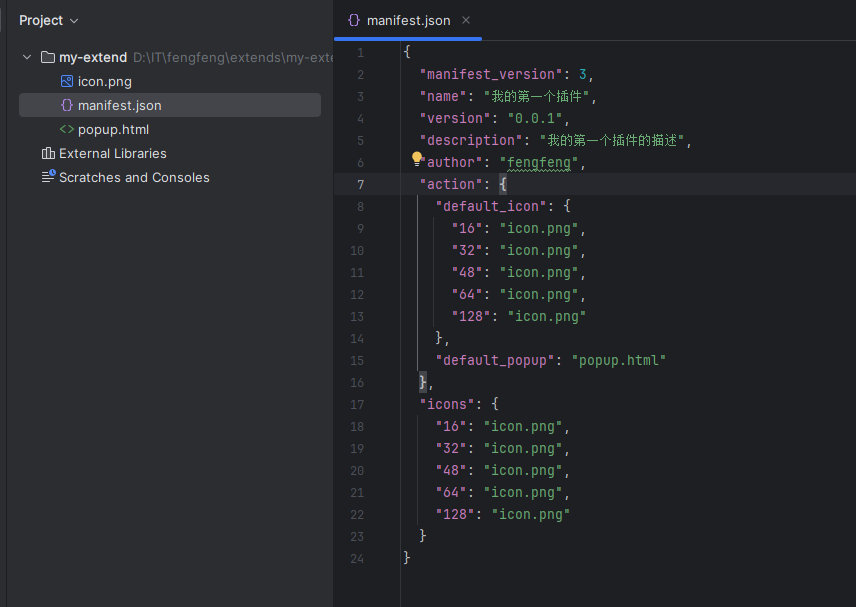
我的代码结构
只有三个文件
导入插件
先到管理扩展程序页面 chrome://extensions/
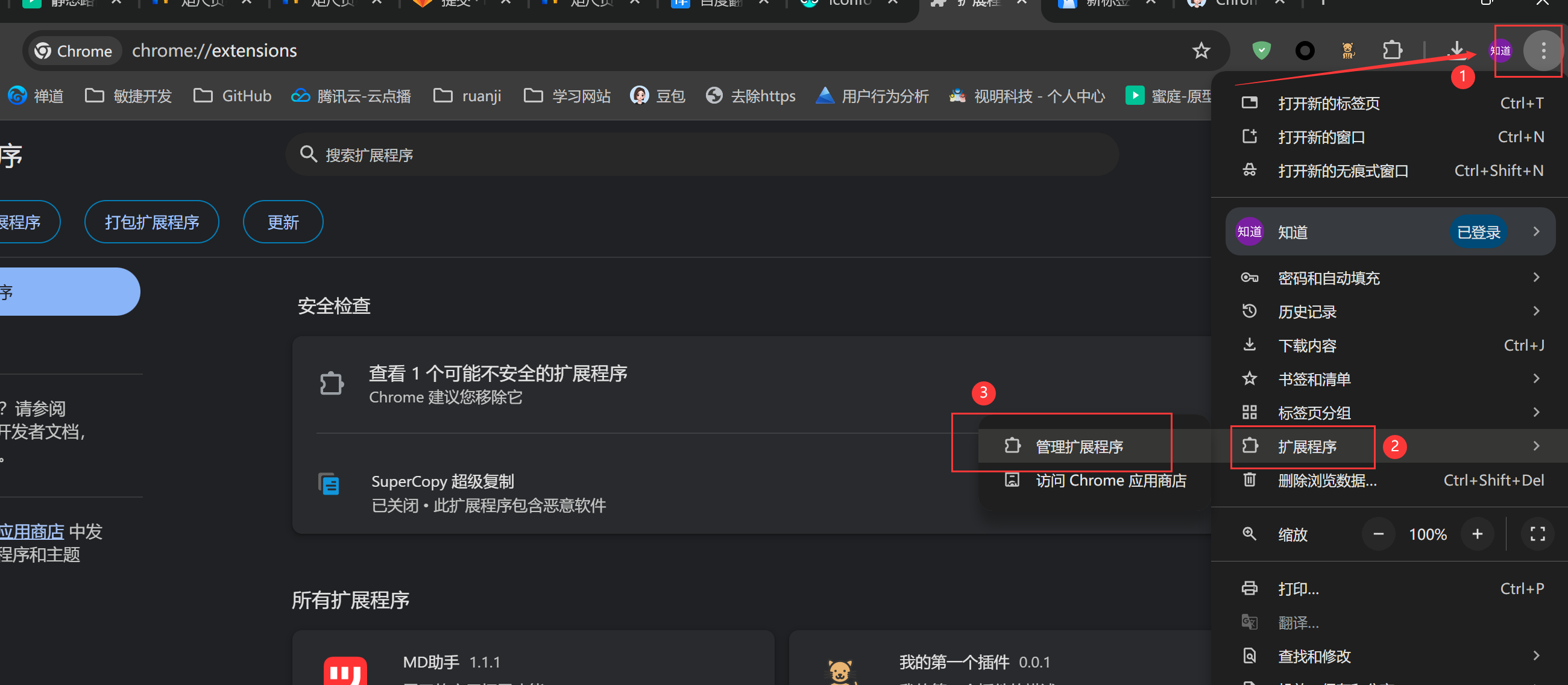
打开开发者模式

只有打开开发者模式,才能上传扩展程序
然后加载未打包的扩展程序,目录选择我们程序的根目录,也就是manifest.json所在的目录
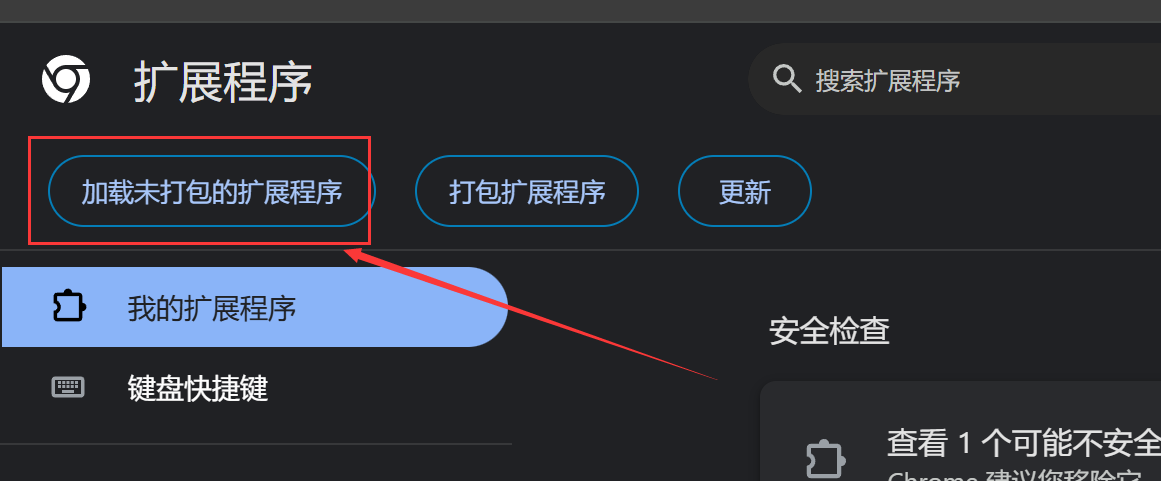
效果